01
Room Planner
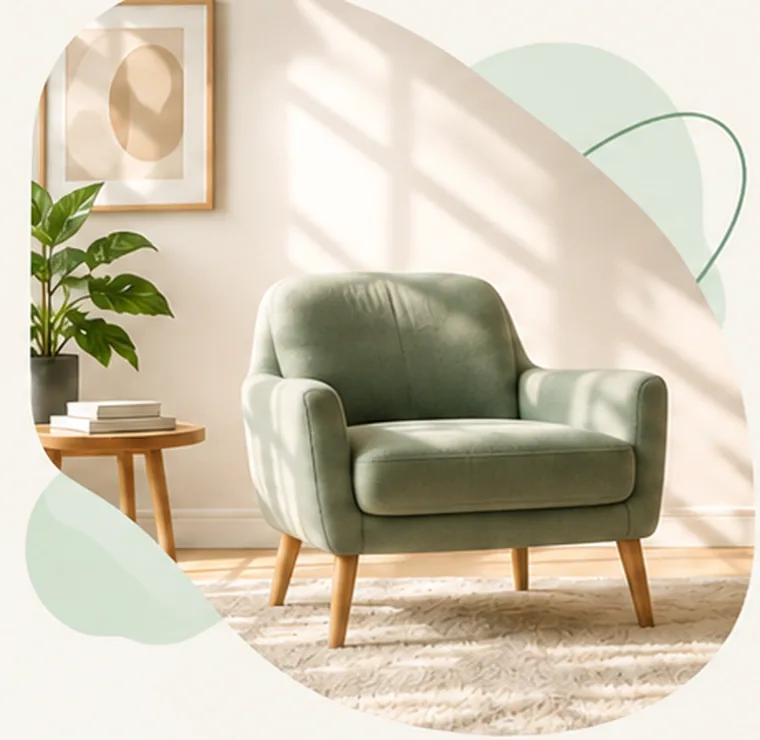
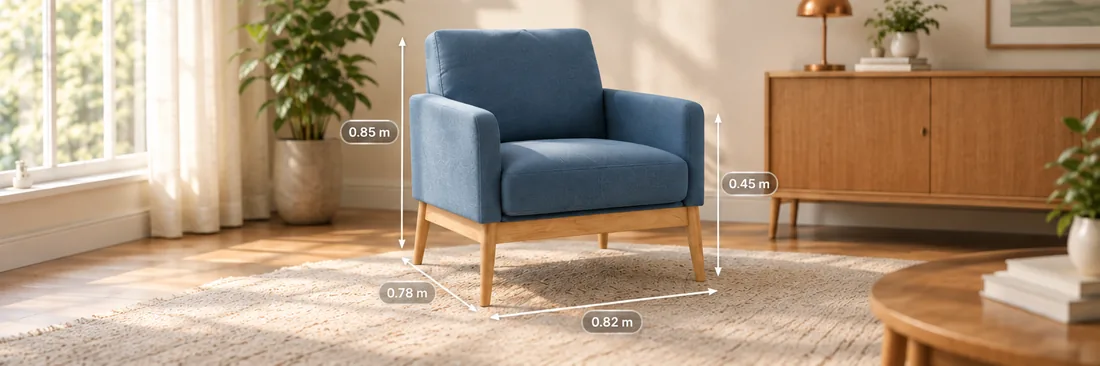
Turn any photo from your gallery into a real-size object. Place it in your room, move it, rotate it, and try multiple arrangements.
 DecorLensComing soon on Google Play
Stand any photo in your room, measure your space, add 3D objects and plan your room — all with the power of augmented reality.
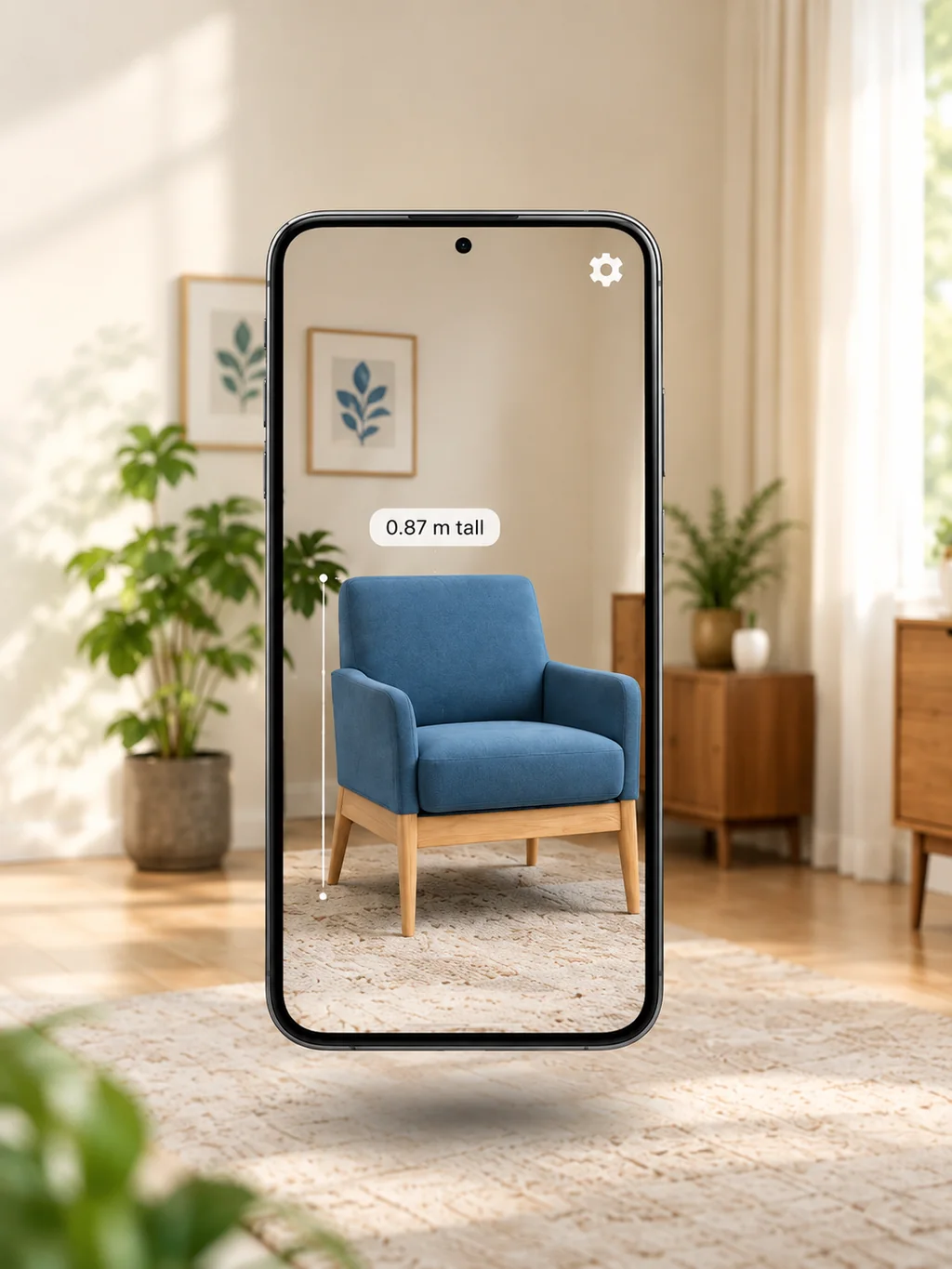
From measuring to a full room makeover, DecorLens gives you the tools to visualise, plan and create — all in one app.
Turn any photo from your gallery into a real-size object. Place it in your room, move it, rotate it, and try multiple arrangements.
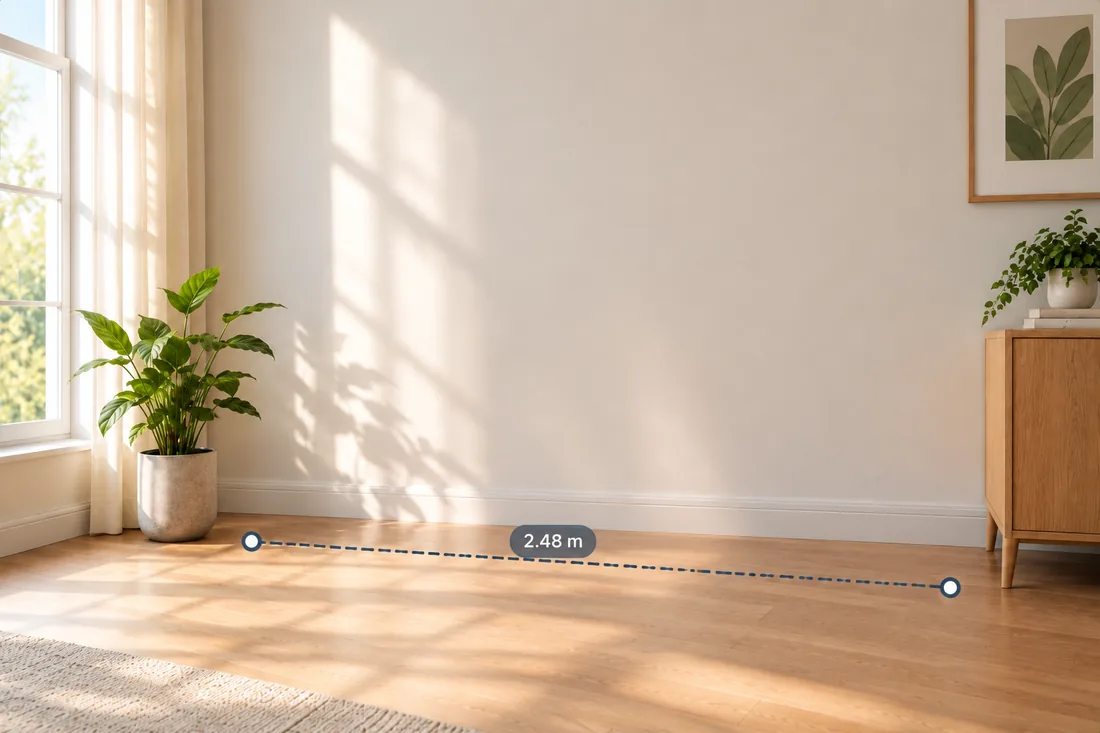
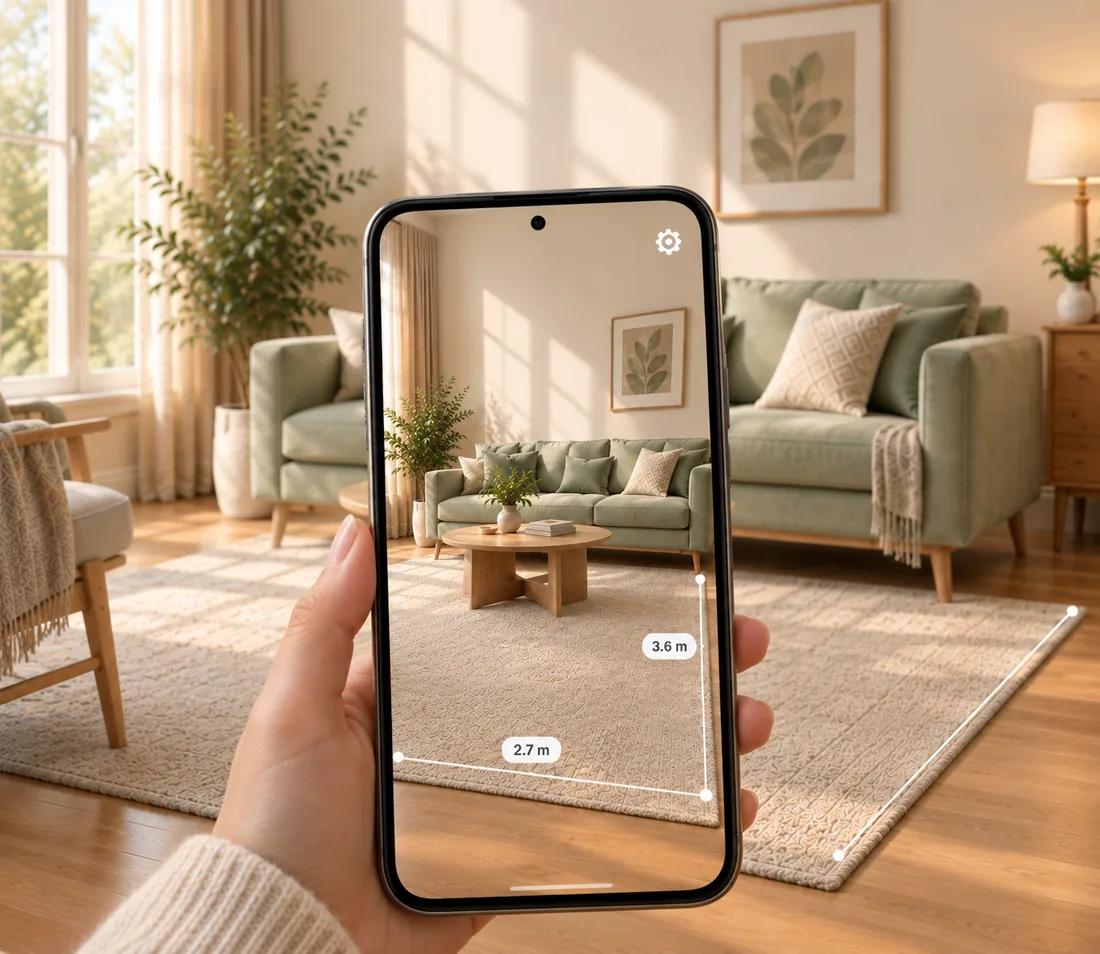
An AR ruler that works like a tape measure. Tap two points and read the distance between them — drag either end and it updates live.
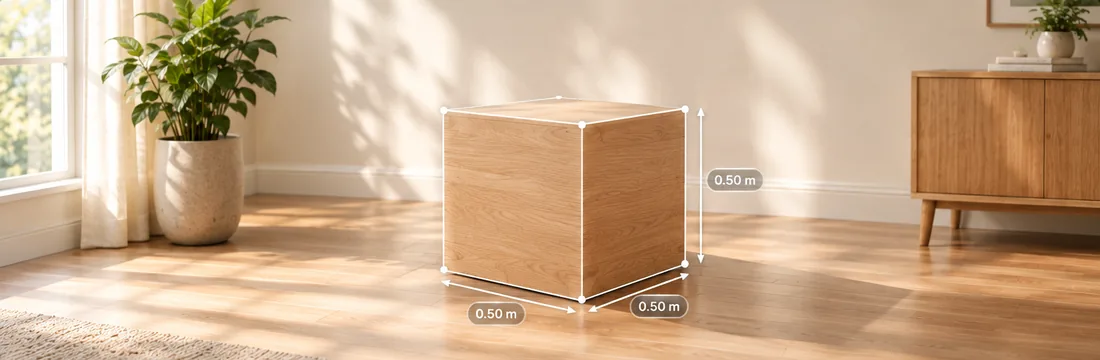
Drop a box or a circle onto a floor, table or wall at real size. Resize by dragging handles, move, rotate, delete — even several at once.
Everything is measured at real-world scale, in whichever unit you think in:
Measuring is the free part of DecorLens — unlimited, and it needs no account. It is an AR ruler and a room measurement app first; the makeover is what you do once you know the space.
Planning a living room makeover usually means guessing. DecorLens lets you use any furniture photo — one you took, or one you saved from a shop — instead of a catalogue somebody else chose.
Press play — it runs right here.
Rug sizes are fairly standard: 5 × 8, 6 × 9, 8 × 10 and 9 × 12 cover most rooms. Which one suits yours comes down to the space you have and how the furniture sits in it.
As a guide, let the rug reach under the furniture around it and leave some bare floor at the edges. Too small and a room feels broken up; a larger one makes the whole space read bigger.
Enter your room to see the rug size that suits it.
Straight answers about accuracy, privacy and what you need to run it.
Here is how to measure a room with your phone. Open Measure Distance — the AR ruler — point the camera at the floor or wall and move it slowly so the app can map the surface. Double-tap to drop a start point, double-tap again at the other end, and the distance appears between them. Drag either point to adjust it. Switch between metric and imperial whenever you like — including feet and inches together, like 5′ 3″ — it is free, unlimited and needs no account.
Accurate enough to plan a room with. DecorLens works out distances from what the camera sees, so readings can vary a little from the true dimension. For the best results, move the camera slowly around the area first and measure things sitting on a surface the app has found — good light and a little texture on the floor make a real difference.
Pick any picture from your gallery — one you took, or one you saved from a shopping page — and DecorLens separates the object from its background and stands it in your room at real size. You are not limited to a catalogue somebody else chose.
No. Camera frames are processed on the device in real time and never recorded. The photo you pick is read on the phone and the cut-out is made there too, so neither the original nor the cut-out is sent to us.
An ARCore-supported Android device running Android 10 or newer, with camera permission. The camera is used only to understand the space in front of you.
Not to measure — that is free, unlimited and needs no sign-in. Room Planner asks you to sign in with a Google account.
Standard sizes vary by maker, so use any furniture size guide as a starting point. Often, the problem isn’t the furniture — it’s the size. With DecorLens, you can see how a piece fits in your room before you buy it.
Plan around your largest pieces, position furniture comfortably within the space, and leave enough room to move around freely. Search how to make my room look better and most answers say buy something — usually it is just the layout. With DecorLens you can try it first and see the living room makeover before and after without moving anything.
DecorLens is in closed testing on Google Play, so it is not yet available to everyone. When it opens up, this page will carry the link.